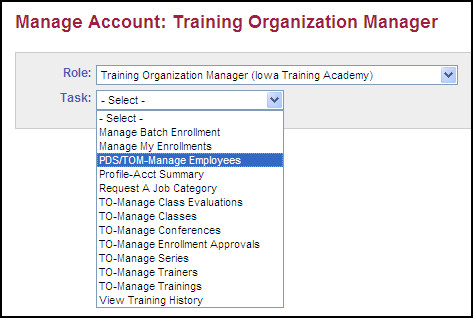
The PDS/TOM - Manage Employees task is available for training organizations and allows the training organization manager the ability to view employee information and identify if they have an Active status.
|
Quick Steps:
|
Before you begin: Open and Sign In to the Iowa Child Care Provider Training Registry.
The result: The Manage Account page displays.
Click  to select a Task.
Select PDS/TOM-Manage Employees.
The result: The Manage Employees page displays.
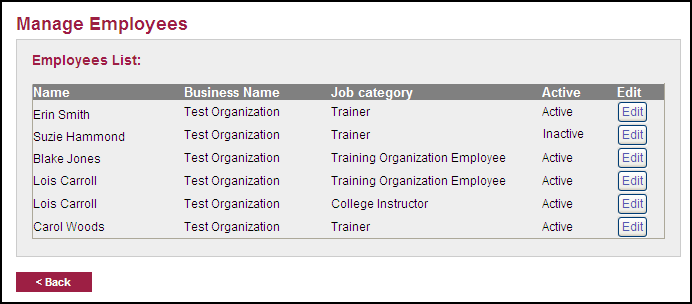
Click  in line with the employee name.
The result: The page displays with the selected employee highlighted and the employee's details displayed.
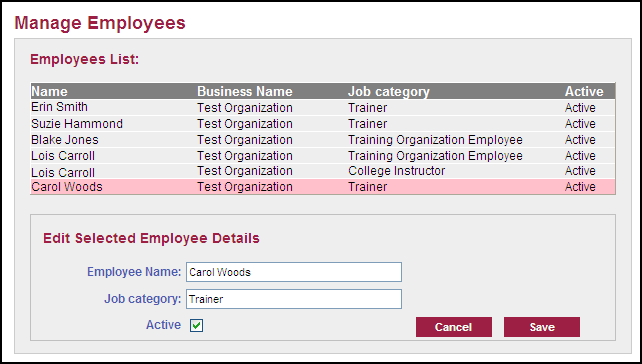
Click the Active check
box  .
.
Click  .
.
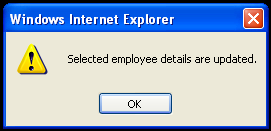
The result: The employee details are updated and saved and the employee no longer has access to the organization's information.
Click  .
.